Take your years back.
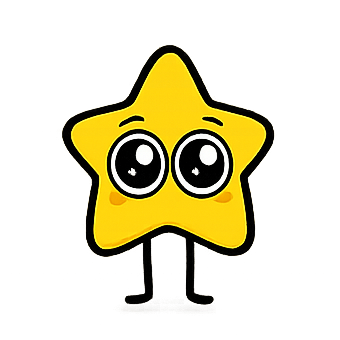
Screen Star blocks the apps that eat your day, and Star, your tiny coach, reacts to every scroll. On iPhone now.

Free to download · Free trial · iOS 18 or later
Live on the App Store·iPhone only·Works with Apple Screen Time·No account needed
How Screen Star works
Three steps. You set it up once.
Answer a few questions
Tell Star when you scroll most and which apps take your time. Star shows what that habit could cost you over the years.
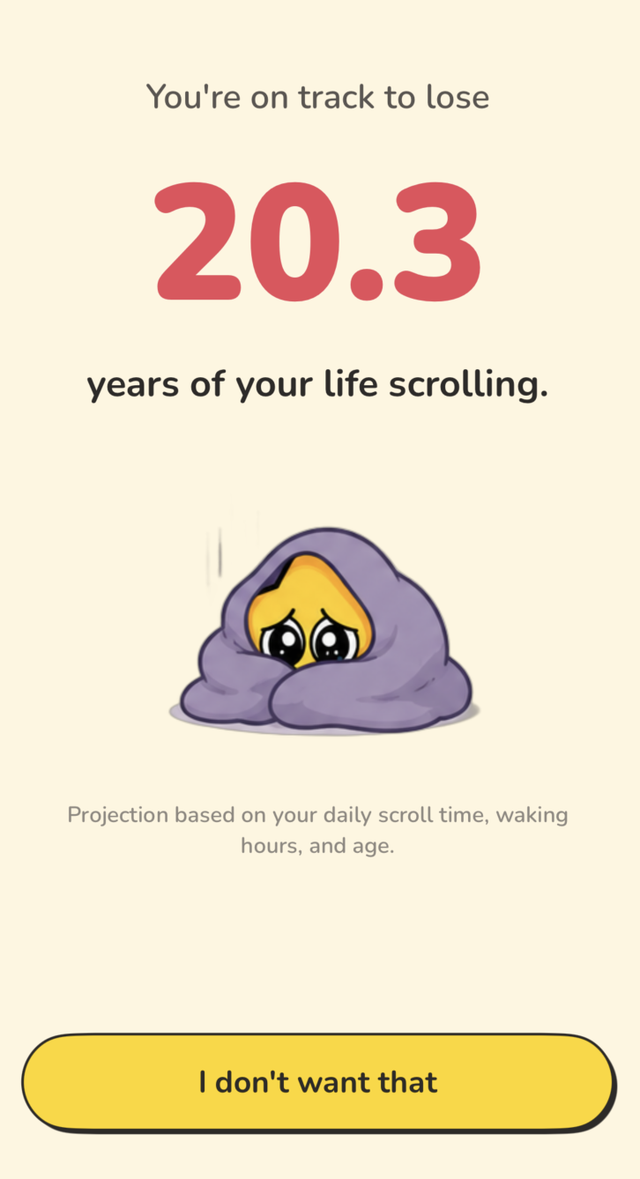
Example. Your number comes from your own answers.
Pick apps and set a budget
Choose apps and categories with Apple's Screen Time picker. Set one daily budget, or block on a schedule: Bedtime, Morning, Weekday work, or your own. Star tracks how close you are.
Star steps in
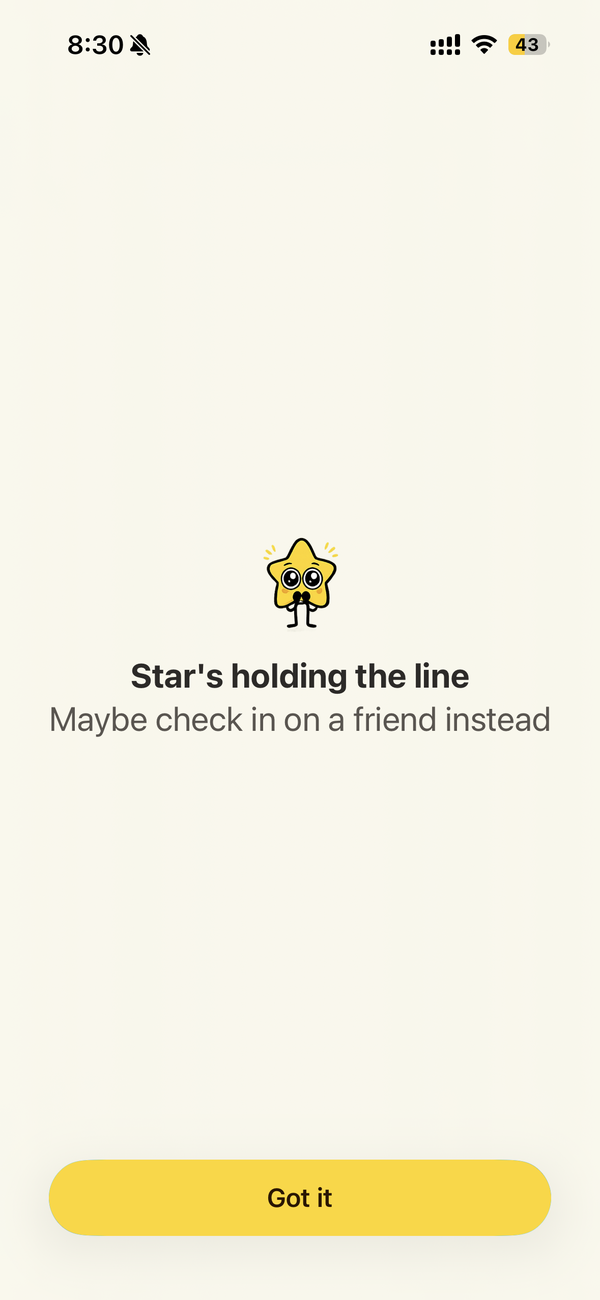
Open a blocked app and Star's block screen shows up instead, with one small thing to do in its place.
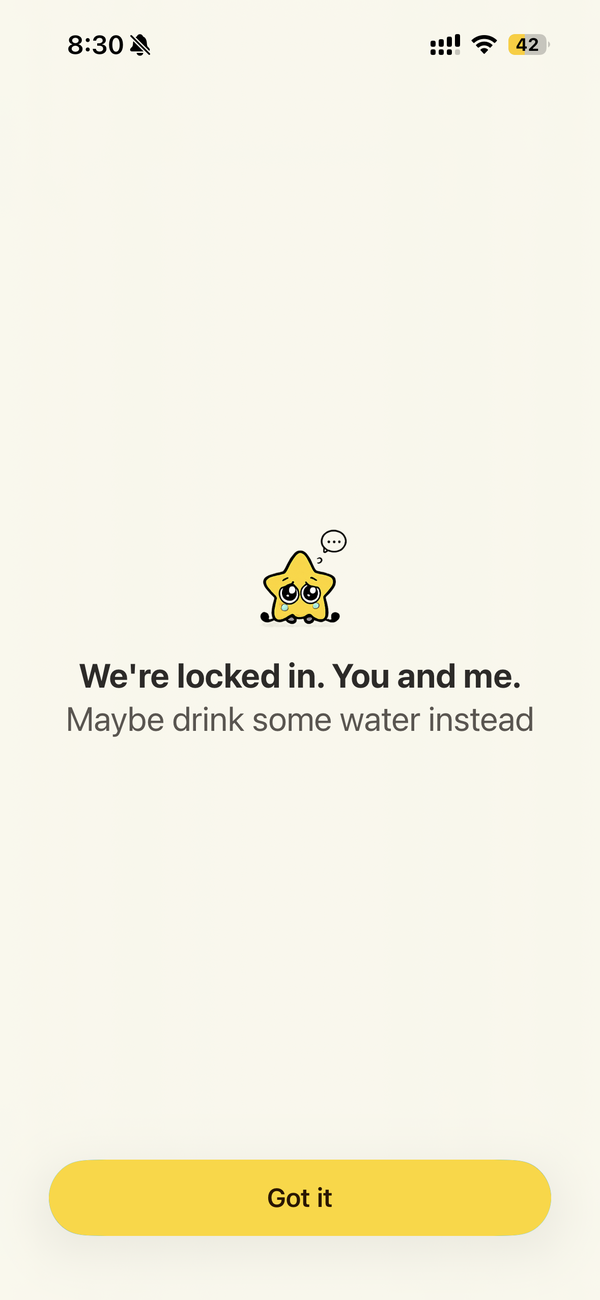
A block screen that feels like a friend
Pick how Star talks to you: Gentle, Sassy, Stern, or Cheerleader. Change it anytime.
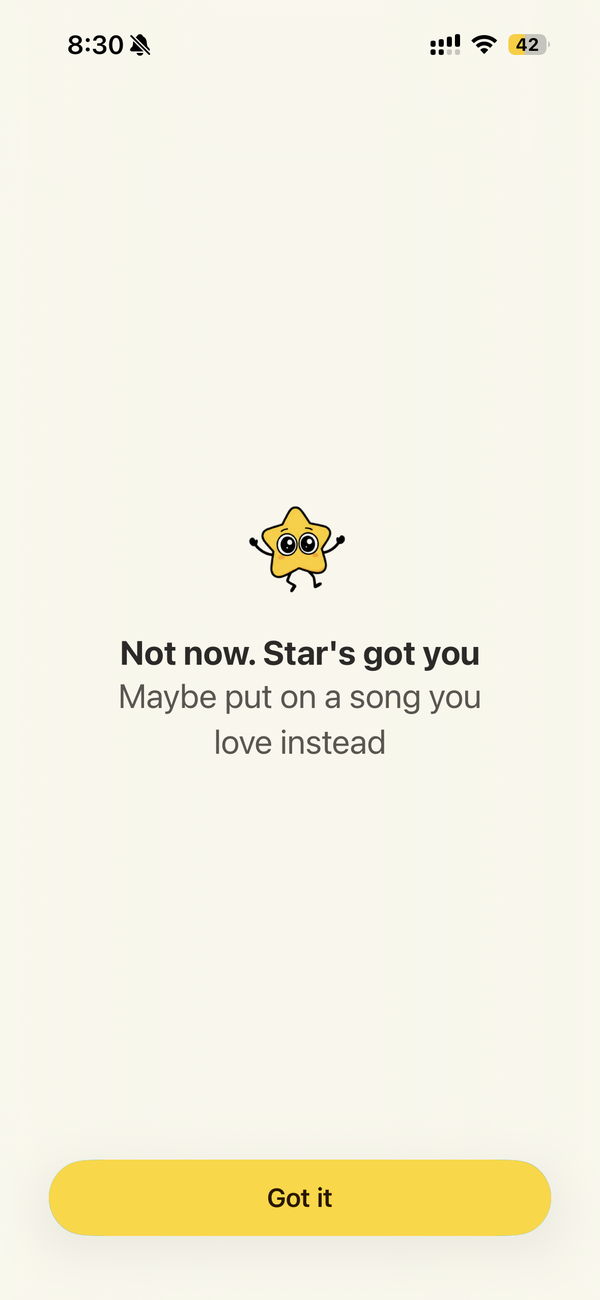
Instead of the feed: a song.
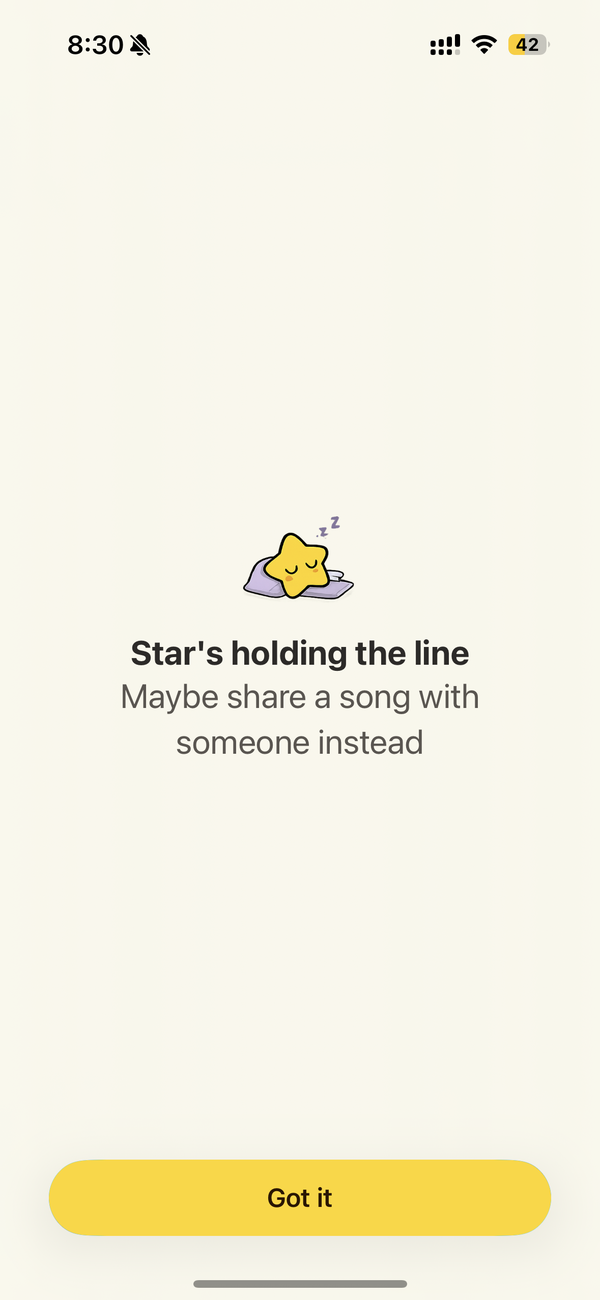
Instead of the feed: a person.
Real screenshots from the app.
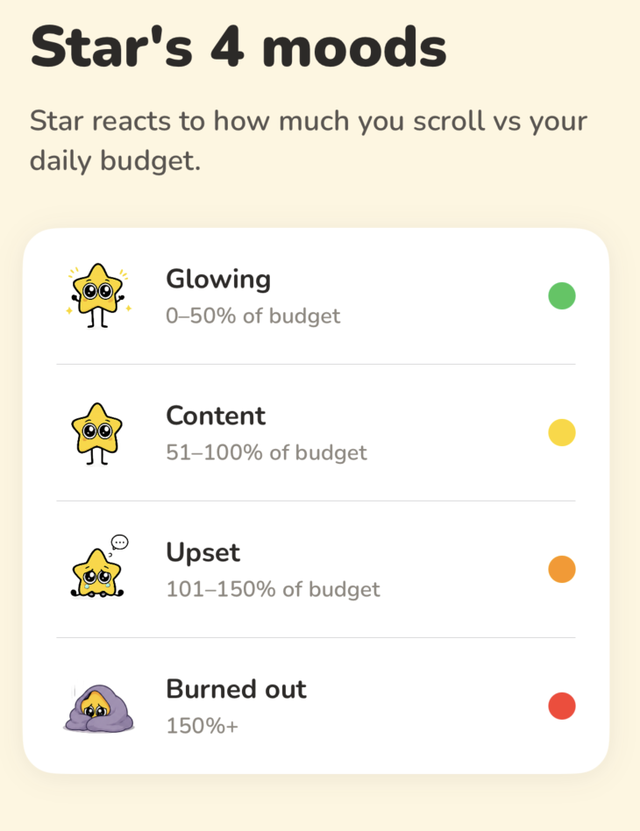
Star reacts to your day
Stay under your budget and Star glows. Go over and Star gets upset, then burned out. You feel it before you read the number.
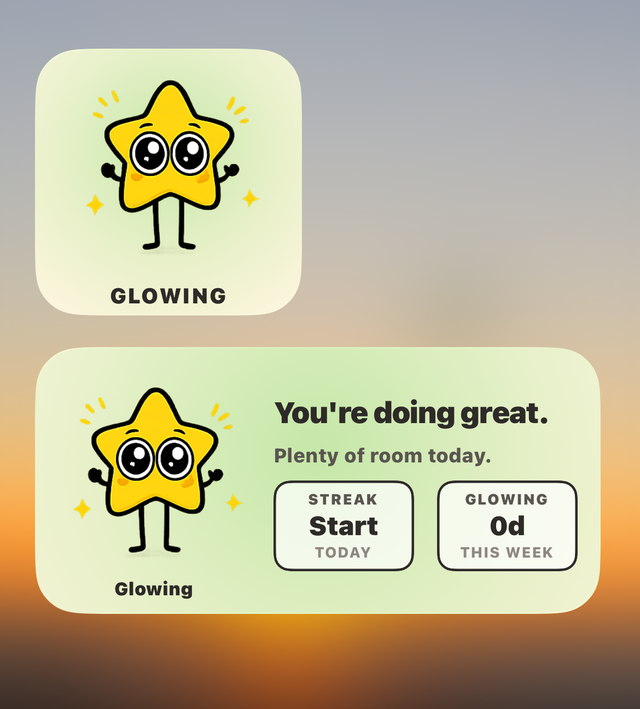
On your Home Screen
The widget shows Star's mood, your streak, and your glowing days this week, every time you unlock your phone.
Made for people who want their evenings back
You open TikTok or Instagram "for a minute" and look up an hour later.
You set a limit in Apple Screen Time and tapped Ignore.
You want a nudge that feels kind, not a lecture.
Screen Star works on your own iPhone. It is not a parental-control app.
Need an app in a real emergency? You get 3 emergency unlocks a week, 15 minutes each.
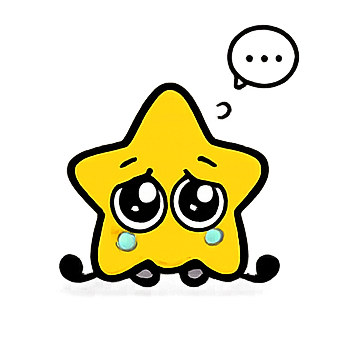
Star is becoming your AI coach.
Your habits, your goals, your plan. Star will learn how you scroll and help you change it, one day at a time.
Knows your habits
Smart ritual
Star will design a blocking schedule around your real habits and goals. Mornings protected, nights wound down.
Smart limits
Star will suggest a daily budget that fits your life, and adjust it as you improve.
Slip alerts
Star will learn when you usually slip and check in right before it happens.
Coaches you
A plan made for you
Your onboarding answers will become a personal day-by-day program.
Your week, in a note from Star
Star will send you a short weekly note on your patterns, plus one next step.
Weekly challenges
Star will give you a small new challenge each week, built around your goal.
Swaps that fit you
The block screen will suggest things you actually want to do instead.
Talks with you
Mood check-ins
Tell Star how you feel, and your plan will adapt.
Say it, set it
Type "no scrolling after 10pm" and Star will set it up.
Chat with Star
You'll be able to ask Star anything about your habits, anytime.
AI features are in development and will be for ages 18+.
Price and free trial
Your screen time stays on your iPhone
- Screen Star uses Apple's Screen Time framework. Apple gives the app private tokens, not the names of your apps.
- Your usage minutes and the apps you pick are not sent to any server.
- No account. No login. No email.
- This website has no forms and asks you for nothing.
- Upcoming AI features will only use your usage totals, times and answers. They will never see what you do inside apps.
- We'll update our privacy policy before they launch.
Who makes Screen Star
Screen Star is built by Khanh Nam Bui, an independent developer.
Questions or support: [email protected]

Put Star on your phone tonight.
Free to download. Free trial. iPhone with iOS 18 or later.